ClaudeBeginner guide
How to Use Claude AI: Projects, Artifacts and Everyday Workflows
A step-by-step guide to Claude by Anthropic. Sign up, write good requests, use Projects for ongoing work, create Artifacts and pick the right plan for you.
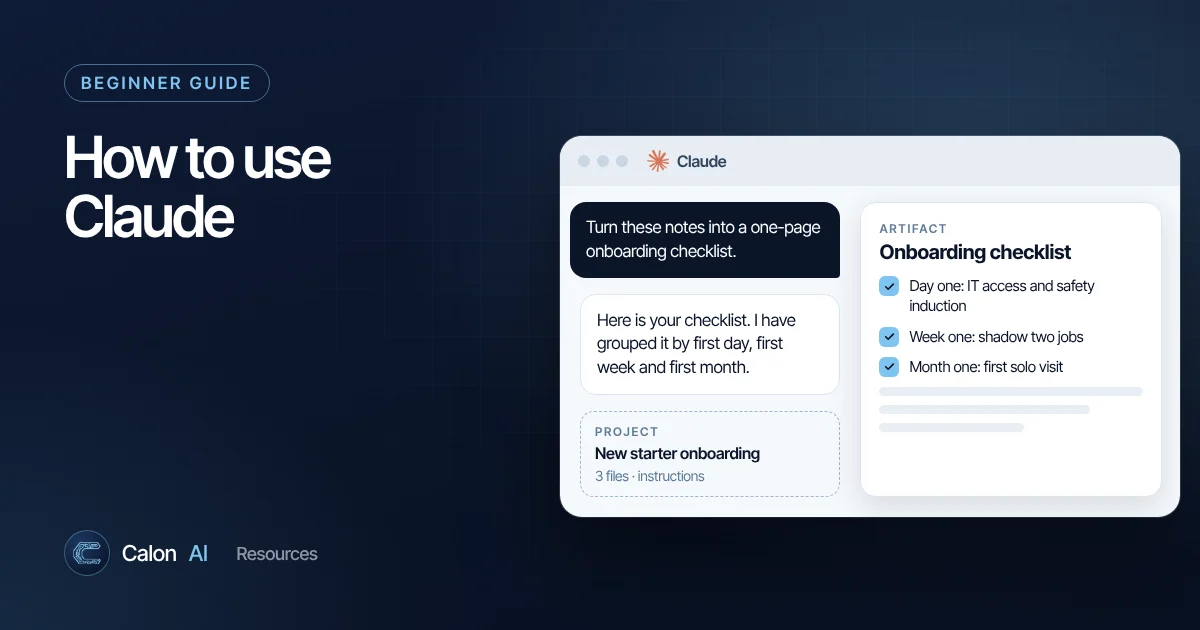
Claude is the AI assistant made by Anthropic. It is widely used for writing, analysis, research and coding, and is known for handling long documents well and following detailed instructions closely. This guide gets you productive with it quickly.
Getting started
- Go to claude.ai, or download the Claude app for Windows, Mac, iPhone or Android.
- Sign up with your email address or a Google account.
- Type your request in the message box. Attach files with the + button.
- Start a new chat for each unrelated task. Shorter, focused chats give better answers and use less of your usage allowance.
Choosing a plan
The plans as listed on Anthropic's pricing page in November 2026:
| Plan | Price (US list price) | Best for |
|---|---|---|
| Free | $0 | Trying Claude, occasional use. Includes web search, file creation, memory and Artifacts, with limited usage. |
| Pro | $20/month, or $17/month billed annually | Regular individual use. More usage, Projects, Claude Code, more models. |
| Max | From $100/month | Heavy daily users. Five times Pro usage, priority access at busy times. |
| Team | $25 per standard seat per month, or $20 billed annually | Businesses of 2 to 150 people. Admin, SSO, shared projects, no training on your content by default. |
| Enterprise | Seat price plus usage | Larger organisations needing audit logs, SCIM, custom retention and compliance tooling. |
UK prices are shown in pounds at checkout and may include VAT. Plans change regularly, so always confirm on the official page.
Every plan has usage limits that reset every five hours, plus a weekly limit. Claude warns you when you are close. Long conversations, large files and the most capable models use your allowance faster.
How to write a good request
Claude responds well to clear, structured instructions. Include:
- Context: who you are and what the output is for.
- The task: what to produce.
- Material: paste text or attach the file.
- Rules: tone, length, what to avoid.
- Format: bullets, a table, a one-page memo.
For longer requests, wrapping material in labels such as <contract>...</contract> helps Claude keep your instructions separate from the content. Our prompt writing guide has templates you can copy.
Projects: your workspace for ongoing work
A Project is a self-contained workspace with its own chats, knowledge and instructions. Use one for anything you come back to: a client, a bid, a product launch, your company policies.
How to set up a Project
- Click Projects in the sidebar and create a new project.
- Give it a clear name and a short description.
- Add project knowledge: upload documents, paste text or add files Claude should use as background.
- Add project instructions: how Claude should behave in this project, for example "You are helping write tender responses for a UK fire and security installer. Use UK English. Always reference our accreditations from the attached profile."
- Start chats inside the project. Each one automatically uses the knowledge and instructions.
Limits worth knowing
- Free accounts can create up to five projects.
- On paid plans, when project knowledge gets large Claude uses retrieval to search it, which lets a project hold far more material than fits in a single chat.
- Sharing projects with colleagues (view or edit) is available on Team and Enterprise plans.
Artifacts: documents and tools you can keep
When Claude produces something substantial and standalone, such as a report, a slide deck, a dashboard, a diagram or a small interactive tool, it creates an Artifact. Artifacts open beside the conversation, where you can refine them by chatting, edit some types directly, export them or share them.
How to turn Artifacts on
Artifacts depend on the file creation capability. Go to Settings, then Capabilities, and switch on the option for creating and editing files. On Team and Enterprise, an admin enables it under organisation settings.
Good uses for Artifacts in a business
- A one-page proposal or policy you will edit and send.
- A simple calculator, such as a quote estimator for your sales team.
- A dashboard from an uploaded spreadsheet.
- A process diagram for onboarding new staff.
All your artifacts are saved in the Artifacts tab in the sidebar. They start private; you choose who can open them.
Other features worth switching on
- Web search: lets Claude look up current information and cite sources. Check the citations for anything important.
- Memory: Claude can remember useful context across chats. Review it in settings, especially on shared devices.
- Connectors: on paid plans you can connect apps such as Google Drive or Microsoft 365, so Claude can work with your files directly. Only connect what your business has approved.
Common problems and quick fixes
- "Your message will exceed the length limit for this chat." Attach fewer or smaller files, or start a new chat. Asking Claude to summarise the current chat and pasting the summary into a new one keeps the context.
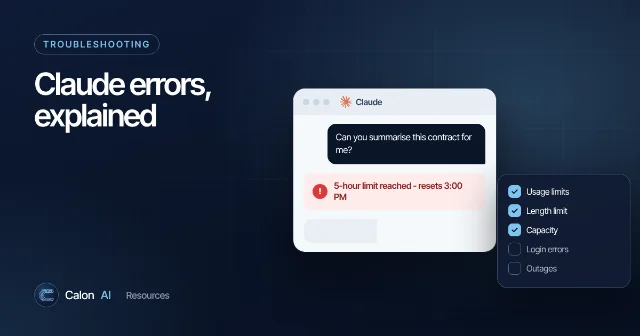
- "5-hour limit reached". Wait until the reset time shown, or use usage credits if your plan has them.
- Capacity messages. These mean high demand, not an outage. Try again in a few minutes.
Our full guide to Claude error messages and fixes covers each one in detail.
Where Claude fits in a business
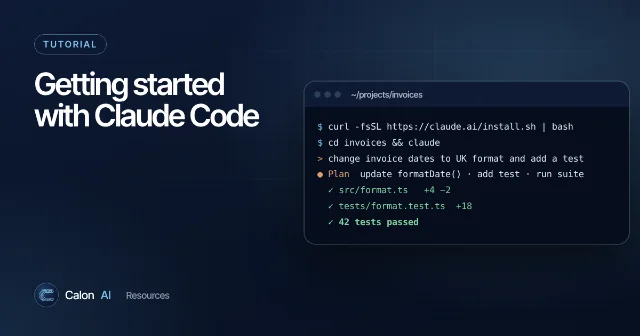
Claude is excellent for knowledge work inside a chat window. The next step for most businesses is connecting it to the systems they run on, so the work happens without anyone copying and pasting. Developers can do this through Anthropic's API and tools like Claude Code. If you would rather have it built for you, Calon AI designs these systems for UK service businesses. Start with what we build or book a 15-minute call.
Frequently asked questions
Is Claude free?
Yes. The free plan includes chat on web, desktop and mobile, web search, file creation, memory and Artifacts, with usage limits. Paid plans add more usage, more models, Claude Code and more Projects features. Check claude.com/pricing for current details.
What is the difference between a Project and a normal chat in Claude?
A normal chat starts from nothing. A Project has its own knowledge (files you upload) and instructions, and every chat inside it uses them. Use Projects for ongoing work such as a client account, a tender or a product.
Why can't I create Artifacts?
Artifacts need the file creation capability switched on. Go to Settings, then Capabilities, and turn on the option for creating and editing files. On Team and Enterprise plans an admin controls this in organisation settings.
Is Claude better than ChatGPT?
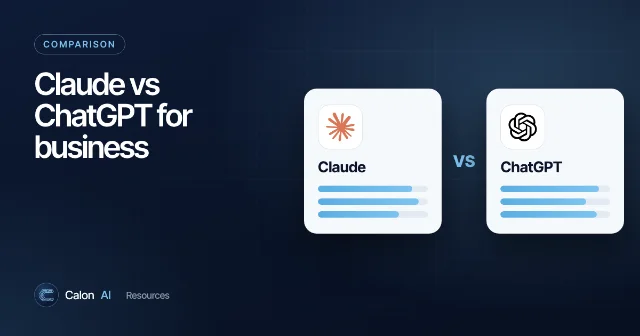
Neither is better at everything. Both are excellent general assistants and the gap changes with every model release. Read our Claude vs ChatGPT comparison for how to decide for your own work.
Sources and further reading
Calon AI Team
Calon AI is a Welsh AI and automation consultancy based in Caerphilly and at the University of South Wales. Our engineers build AI agents, automations and dashboards for founder-led UK businesses, and we write these guides from that hands-on work.
We check facts against official documentation and primary sources at the time of writing and update articles when products change. AI tools change quickly, so confirm prices and plan limits on the provider's own site before you buy.